Understand. Prepare. Coordinate. Assess. Adapt.

Keep administrative records, responsible roles, sources and handover receipts connected. Iron Major’s Friend uses authenticated private workspaces and explicit colleague sharing. Server monitoring defaults off; external systems require their own authorized connections.

ATLAS platform mark
ATLAS Decision platform · SecureAssure · ISS LLC VETERAN-OWNED
Heilmeier answers  ·  Full overview →
🪖
Your role
Your next action is ready.
Open my workspace →
Who are you today? Select a role for a guided path:
START HERE · WORKSPACE, LEARNING AND EVIDENCE

Open your work. Keep its context.

Continue in your workspace, practice a complete task or inspect the evidence for a proposed integration.

Review the guided evaluator orientation →
Sources · Decisions · Assigned work · Handovers · Outcomes

Know what changed. Coordinate what happens next.

Sources, decisions, work and handovers — connected in context.

A shared coordination workspace with views shaped for each role, mission and authorized environment.

ATLAS brings authorized information, reviewed decisions, assigned work and documented handovers into a clear workflow. Keep sources, responsibilities and progress visible as work moves between people and systems. Mission-specific views address defense, emergency management, public health, infrastructure and organizational work. Each data environment and connection has its own authorization, configuration and evidence.

Open my workspacePrepare a record and handoverLearn the next task

Checking current source and connection evidence…

Inspect source availability, freshness and connection states

These are guided navigation paths, not assertions of live sensor connectivity, command authority, or certification. Operational status must be verified in the selected workspace.

Show & tell in 3D
Checking reported tracks… · —
1 Ingest
What ATLAS does · can do · for whom
What it does
  • Ingest heterogeneous feeds via open adapters
  • Fuse one reconciled common operating picture
  • Human-gate every COA and release
  • Preserve custody and audit when links degrade
  • Diffuse minimum picture to TAK and legacy COP
What it can do
  • Immersive 3D COP + F-22 helmet six-pane view
  • DDIL edge COP: local fuse, CRDT merge, store-forward
  • Executable prove chains — not slide decks
  • C-UAS, staff logistics, EM, federal program connect
  • Symphony on a chassis — one engine, many tools
For whom
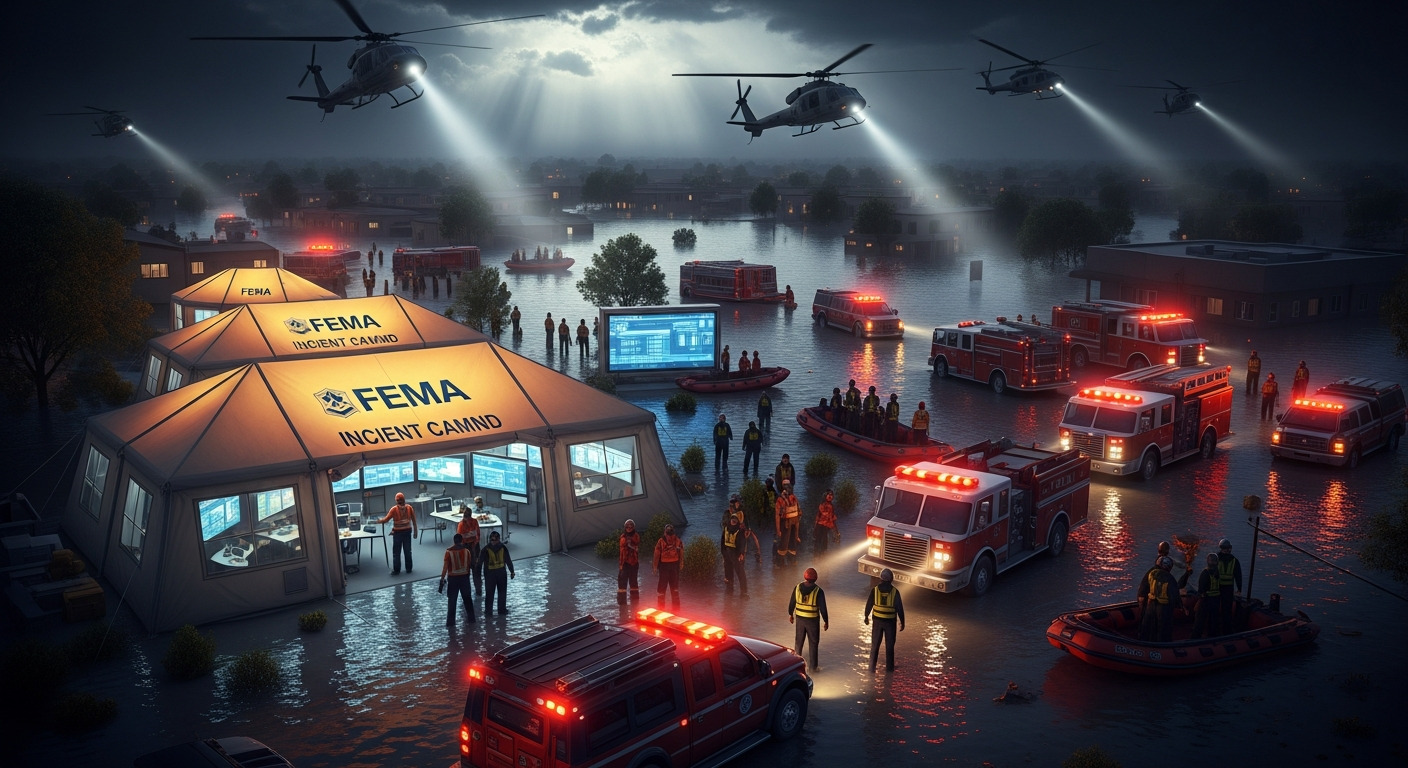
  • EM / FEMA: ICS/NIMS, ESF, TAK — same chassis
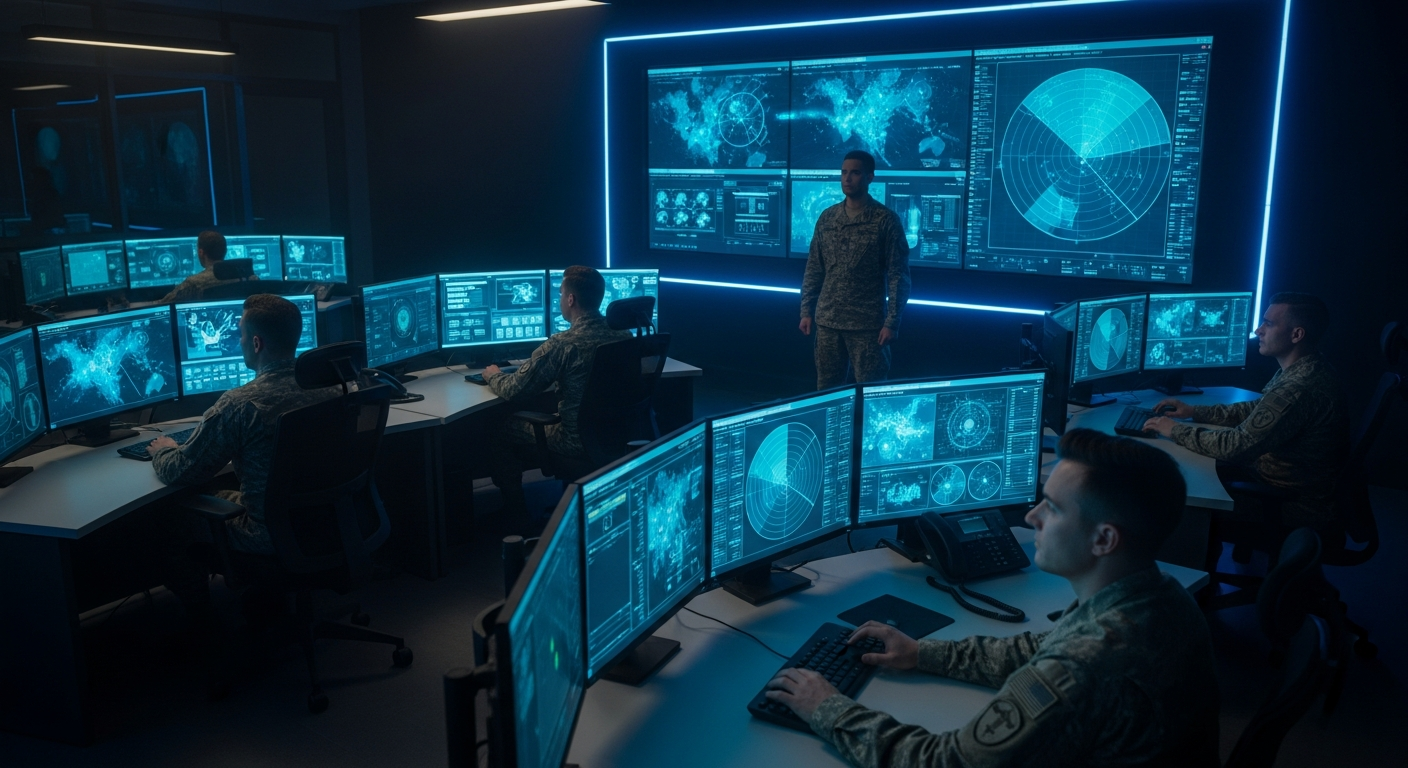
  • Joint force: Role-based views for shared reports and command context
  • Every branch: own lane first, joint always
  • Federal programs: grants, preflight, audit
  • Field teams: DDIL edge COP to the squad
The problem
Reports, maps, messages and forms can lose their context as work passes between people. Teams need to see what changed, who owns the next step and whether a handover was received.
What ATLAS does
Collect an attributed report, review its meaning and uncertainty, record the decision, assign the next step and follow the handover through acknowledgment and outcome.
Our niche
ATLAS adds coordination and a traceable decision record around the systems a team already uses. Source owners retain authority; supported adapters, permissions and witnessed exchange determine what is connected in each environment.
Pick a mission door — click to highlight in 3D above
Staff logistics
S4 / XO: one running estimate — LOGSTAT, RSOI, pacing items that survive DDIL.
Evaluate / prove
PM / SBIR: executable pass/fail chains in 15 minutes — not slides.
Emergency management
County EM / FEMA: ICS/NIMS, ESF, CAP — same chassis, civil language.
Live at secureassure.app · Veteran-built · Current public environment: unclassified evaluation. Government/OEM integrations, operational ATO, IL-5 hosting and platform-wide independent field performance are not established. Inspect the evidence for the specific workflow and environment.
Runtime evidence not yet checked ·
Less confusion — one naming stack

SecureAssure hosts ATLAS — one decision platform with four front doors. SHIELD is only the personal-safety lane. Hosted at secureassure.app. Pick one front door per meeting — same mission thread and human-gated actions across lanes.

Is this SHIELD or ATLAS?
ATLAS is the platform. SHIELD is only the personal-safety lane at /phone.
Why secureassure.app?
SecureAssure is the company (ISS LLC). ATLAS is the product you operate and evaluate.
Replacing JADC2 / DCGS?
No — coordination and custody layer. Complements programs of record; does not replace fusion engines.
Contract diligence
Choose your path
Path A · Operator

ATLAS is here for your mission.

Service member · FEMA chief · County EM · Watch officer

Same decision chassis as above: review authorized sources, keep decisions and handovers attributed, and inspect the actual connection and receipt states. Access and offline behavior depend on the chosen environment and configuration.

  • Branch / service
  • Echelon (team → strategic)
  • Mission type
  • Warfighting function (ADP 3-0, optional)
  • Mode (TRAINING default)
Open the guided workspace Guided setup →
Path B · Funder / Evaluator

ATLAS is here for your evaluation.

Program manager · SBIR reviewer · Acquisition evaluator · Prime BD

Choose one defined workflow and inspect its sources, tests, failure behavior and limits. An endpoint response is separate from interoperability, field performance and customer acceptance.

  • Problem → chassis → niche (above the fold)
  • Featured demo menu + executable proof
  • Live API smoke test
  • RFI form & reach-back
15-minute guided evaluation ~15 min →
Heilmeier answers
No jargon: what we are doing, why now, who cares, what can fail, and how success is measured.
Full answers →
ObjectiveGive teams one shared picture and one decision record when networks, tools, and authorities are fragmented.
TodayStaff copy data between maps, chats, forms, feeds, and briefings; the audit trail is late or incomplete.
NewATLAS connects feeds, workflows, AI synthesis, human approval, DDIL queueing, and proof routes in one operating layer.
ExamsLive route proof, E2E tests, constraint sweeps, credential posture checks, and operator-reviewed demos.
Limits are explicit: external AI, S3 corpus sync, and deploy webhooks activate only when the owning environment provides credentials and authority. Absence of those keys is posture, not proof of a broken repair.
How the chassis scales

Open adapters in — legacy COP and TAK out

ATLAS brings authorized information, reviewed decisions, assigned work and documented handovers into a clear workflow. Keep sources, responsibilities and progress visible as work moves between people and systems. Mission-specific views address defense, emergency management, public health, infrastructure and organizational work. Each data environment and connection has its own authorization, configuration and evidence. ATLAS adds coordination and a traceable decision record around the systems a team already uses. Source owners retain authority; supported adapters, permissions and witnessed exchange determine what is connected in each environment.

Cross-domain
Air · Land · Sea · Cyber · Space
Echelon fluidity
Edge Citizen → Command JOC
Hardware overhead
Supported browser; setup costs vary
Latency target
Measured per configuration
Universal node architecture
Every entity is a node. People, hardware, and software are equal, collaborative points on the same grid.
People
  • Edge citizens & squads
  • EOC & watchfloor operators
  • Network collaborators
Hardware
  • Mobile device optics
  • Tactical radios / C-UAS
  • Legacy IP camera feeds
Software
  • Live API registries
  • ESMS grid classifications
  • Predictive waveform models
Technical core mechanics
Four simultaneous operations across the network canvas.
I
TAK / CoT Bridge
Configured protocol translation

Supported adapters translate permitted observations into CoT-compatible information. The source schema, client/server connection, permissions and actual receiving acknowledgment must be validated for the configuration.

II
DDIL Store-and-Forward
Resilient Edge Synchronization

Supported clients can retain permitted pending work and synchronize through configured transports. Inspect queue, retry, duplicate handling and recipient receipts; reconnection alone does not establish successful delivery.

III
2-Node Mesh Consensus
Collaborative Triangulation

The geometry workbench explores correlation of attributed observations. Position estimates require valid coordinate frames, calibrated inputs and explicit uncertainty. A mathematical intersection is not independent field-location evidence.

IV
Synthetic SDR Emulation
Hardware-Free Spectrum Analysis

A selected reference profile can produce a modeled frequency-and-amplitude waveform for exploration and training. The model does not identify a real transmitter or establish a measured electronic signature. Output is a mathematical model — not a measured signal.

So what — and for whom
Keep the information, responsible people and next step visible together.

Review the same attributed update in the relevant crew, staff, command or incident view. Preserve source age and uncertainty, record the decision, and check the intended recipient's actual receipt. Measure time, rework and outcomes against the current process in a defined evaluation.

Critical Infrastructure & Federal Programs
EM · Federal program offices · Facility protection

Uses approved source interfaces to connect facility, incident and staff context. Integration, records access and disclosure requirements depend on the authorized customer environment.

Government connect →
Tactical & Defense Edge
Military · EM · Field Operations

Review permitted field reports, source age and pending handovers from a browser. Device sensors, ATAK exchange, offline operation and positioning require their own supported interfaces and tests in the intended environment.

Ops Hub →
Agency Evaluation & Oversight
Assessors · Program managers · Oversight bodies

Inspect a bounded workflow with its methods, test evidence and current limits. Agree the baseline process and acceptance criteria with the actual mission owner.

Evaluation lane →
Tactical edge spine — Waze for the battlespace

Teams contribute permitted reports through configured sources and review shared context in role-appropriate views. CoT exchange, offline queues, positioning and partner transports require their own test evidence. Keep stale observations, unconfirmed positions and pending handovers visible; a connection acceptance does not grant operating authority.

REPTILE scenario demonstrations → Worst-day scenario → Prove integrated spine TAK bridge GPS-denied nav
Explore staff and mission workflows

Intelligence · Operations · Fires · Sustainment · Protection · Mission Command. Each view should preserve the relevant report, source, assumptions, responsible role and handover state. Integration and acceptance evidence differ by workflow.

Intelligence (S2/G2) Operations (S3/G3) Fires Sustainment (S4/G4) Protection Mission Command
Inspect workflow checks Evaluator catalog
Government · Emergency management · Field units
See if ATLAS fits your mission — two-minute connect
Choose a mission and review its coordination workflow, source requirements and current evidence alongside your existing systems.
Start connect → Government program office Choose mission door
Understand in 30 seconds
Sources, decisions, work and handovers — connected in context. — F-22 helmet for sensor-fusion intelligence in 3D.
A shared coordination workspace with views shaped for each role, mission and authorized environment. Choose operating mode: single AO alerts, synchronized F22 six-pane view, bring-your-own 6-pane workspace, or classic per-screen. Available information with source and permission context.
Who are you?
Which information view?
Available joint information
Review the available information with its source, age and uncertainty.
Compose your workspace
Tell ATLAS in real language — or pick discipline doors and checkboxes.
Defense Intel Emergency Mgmt Planning / NTC Integration hub Full compose wizard →
One integration hub — you see ~10 discipline doors, not a maze of icons.
Show before tell
Watch ~45 seconds, then enter with your branch and echelon.
Recorded screenshots with guided walkthrough — EM, Military C2, FIRES/CRAM, evaluator, and citizen SHIELD. Onboarding comes after you see what you get.
All section previews → EM 45s COP 45s FIRES/CRAM Full evaluator tour
Universal Connector — configure a supported source
One connection workflow for supported sources and approved interfaces.
  • Register once — POST /api/connect/register: say what you are (sensor / effector / unit / partner C2 / feed / citizen) and what you speak.
  • Inspect the supported contract — identity token, permission template for your class, and the exact endpoints for your protocols (CoT/TAK, USEIF JSON, acoustic, ADS-B, MQTT, field cues).
  • Verify the observation and receiver — inspect a permitted observation, its source/time semantics and the downstream receipt. Registration alone does not establish observation, delivery or human approval.
  • Health tracked, audit kept — a conductor sweeps every connection (ACTIVE / IDLE / STALE), every transition writes an append-only audit row, revocation is one call.
Open the Universal Connector → Live registry JSON Partner track schema

When the inquiry comes — IG audit, congressional review, FEMA reimbursement, malpractice — the decision chain is either documented or it isn’t. We built the synthesis layer that closes it: not a replacement for ATAK, WebEOC, or what you already have — coordination tools that preserve source, responsibility and receipt states for the workflows that have been configured and tested.

AWARE Attributed information. Visible age and uncertainty.
ADAPTABLE Adapt the supported workflow and review proposed changes.
SCALABLE Views for field teams, command staff and incident coordination.
SUSTAINABLE Support, recovery and migration require continuing stewardship.
Secure-room reporting workflow
Keep permitted observations and their source context together.
Review room records and attributed reports. RF collection, mesh participation and TAK delivery depend on configured sources, permissions and verified exchanges; this workflow does not establish SCIF accreditation.
Open Secure Room TAK bridge
SOFWERX / UxSAI · live generator proof
Maritime EO/IR synthetic CV data workbench is live.
Generate deterministic EO/SWIR/MWIR/LWIR maritime frames, per-frame metadata, 2D boxes, COCO/YOLO exports, validation metrics, and a reproducible package hash.
Open EO/IR Generator Generator API

ISS LLC  •  SDVOSB-pending  •  CAGE 9VKK3  •  Veteran-owned · Operator-built  •  Evidence varies by workflow and opportunity

Install on your phone or computer
Install the supported PWA on an authorized device.
Installation and offline behavior vary by browser, device, permissions and configuration. Test the required workflow and receipt recovery on the actual client.
Open Console Mobile hub →
Explore the workflows — access and evidence vary by environment
Communicate
Review communication plans, draft notices and supported handovers. Queued work and recipient delivery are separate states.
  • Transport options with connection evidence
  • CAP alert drafts for authorized review
  • PACE planning and documented alternatives
•
Collaborate
Review appropriately shared reports and context with visible source age, conflicts and connection limits.
  • Source-attributed operating picture
  • Cross-agency task board
  • TAK / ATAK data bridge
•
Plan
MDMP-native planning workspace. COA development, branch/sequel planning, and ODRA-backed decision records.
  • COA matrix & WARNO/OPORD generation
  • Branch & sequel planning tools
  • ODRA commitment capture
•
Prepare
Pre-mission readiness: equipment checklists, sustainment planning, personnel accountability, and logistics tracking.
  • Equipment readiness status
  • Personnel accountability (PAX)
  • Sustainment & logistics calculation
•
Train
Adaptive scenario engine for FiST, EOD, CBRN, and IDF — branching decision trees that adjust to trainee performance in real time.
  • Real-time performance scoring
  • AI-driven branch adaptation
  • Integrated after-action review
•
Understand
Review public-source context, structured analysis and source-linked interpretations. Inspect each source's current availability and age.
  • Source-specific availability and freshness
  • AI threat-pattern recognition
  • ASCOPE / PMESII analytical framework
•
Decide
Inspect supported decision records, their source context, version and responsible reviewer.
  • Signed decision-state vectors
  • Offline-first commitment recording
  • Defensible record reconstruction
•
Assess
Review reported progress and outcomes against the stated decision or task. Independent verification requires its own evidence.
  • Reported outcomes and evidence limits
  • Mission criteria tracking
  • AI-assisted debrief generation
•
Adapt
AI-assisted replanning under degraded conditions — doctrine-grounded course correction using DIME/PMESII and OODA.
  • Branch / sequel execution support
  • AI replanning assist [AMBER-cited]
  • Degraded-network COA revision
•
Prevail
Review whether the defined task is complete, what evidence supports the result and what remains unverified.
  • ODRA audit trail & reconstruction
  • After-action record export
  • Lessons-learned deposit
ODRA engine Cryptographically signed decision state vectors · Distributed custody · Defensible reconstruction
Verify live →
ATLAS NAVIGATOR
Decision custody layer · DDIL-native · Signed artifact chain · Offline-first · Fail-loud architecture
→
FEMA · CIVILIAN EM
Emergency Operations Command
Incident command, mass notification, ESF routing, alert drafting, and WebEOC bridge. One surface for the county emergency operations chief.
Enter →
COMBINED ARMS C2
Command and Control + Sensor Fusion
TAK integration, fires coordination, counter-drone, and sensor fusion with human-in-loop. Operates in denied or degraded networks.
Enter →
PERSONAL SAFETY
SHIELD — Individual Protection
Personal-safety features depend on device permissions, the authorized civilian environment and configured recipient channels. Inspect storage, sharing and failure behavior before use.
Enter →
Government & field — same chassis, mission language
Federal / Government programs
Grants, preflight, and audit for program offices

Two-minute connect for grants alignment and implementation-science preflight — go / no-go before money moves, FOIA-ready trace after.

Government connect → Grants lane MAP-GAP preflight Worst-day drill Grant intel
Field / Citizen SHIELD
Individual protection on the same integration spine

SHIELD has its own personal-safety permissions and recipient channels. Available features and sharing behavior require device-specific validation.

Citizen SHIELD → Compose citizen 3D citizen view Emergency Security Health
Inspect workflow test evidence Show before tell (~45s) Contract readiness API